


Virtual USD card
The Carder card is a Visa virtual card in USD for paying online: Facebook, Google and TikTok ads, Netflix, Spotify and other subscriptions. Create it in the app for $3, then add money from your USD or naira balance. Adding money is free.
Checked on 10 November 2026
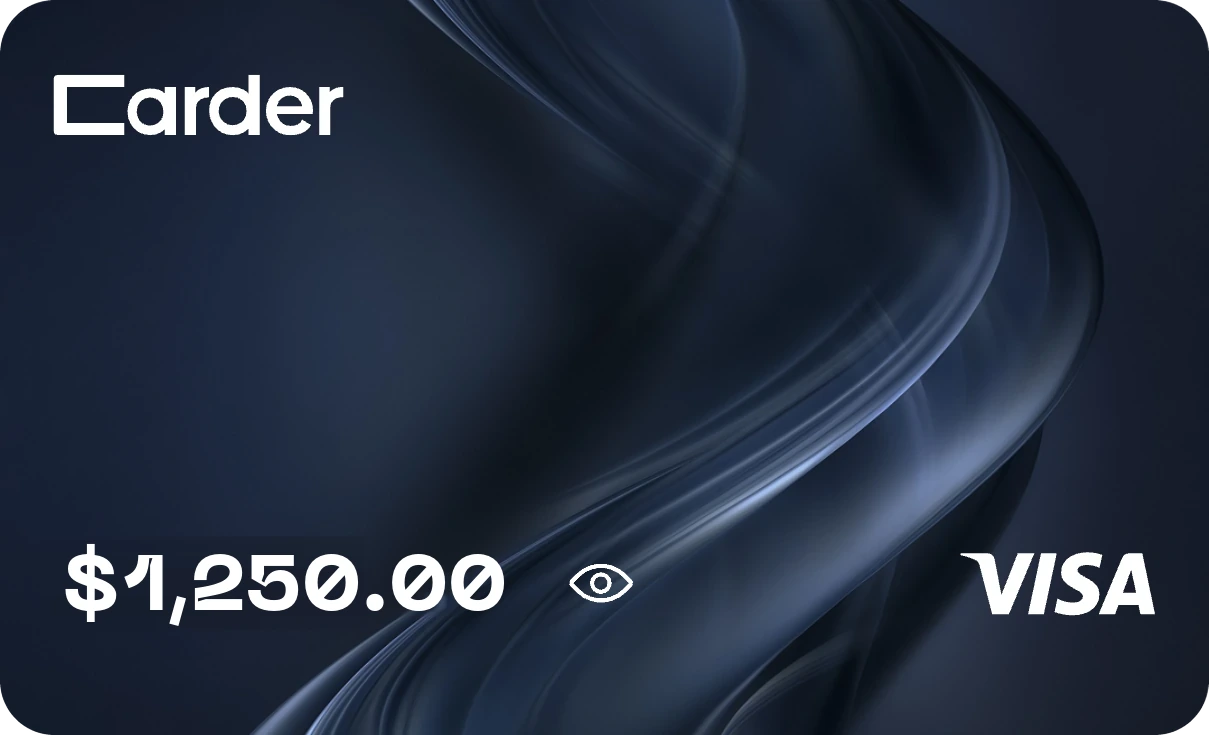
Get your card
- 1
In the Carder app, tap the Card tab at the bottom.
- 2
Tap Create card. Creating it costs $3, shown before you confirm.
- 3
If the app asks, finish verifying your account with your BVN and a selfie, and add your address.
- 4
Add money to the card from your USD balance, or from your naira balance (it converts to USD first). Adding money is free.
- 5
Tap Details to see the card number, expiry, CVV and billing address, and pay with them online.
What you can pay for
Ads
Pay for Facebook, Instagram, Google and TikTok ads.
Subscriptions
Netflix, Spotify and other monthly plans.
Shopping online
Stores, apps and services abroad that take Visa.
Manage it in the app
- Top up
- Add money whenever you need it, from USD or naira. Turn on Auto top-up to refill the card when it runs low.
- Withdraw
- Move money from the card back to your USD balance.
- Freeze
- Freeze the card in one tap when you are not using it, and Unfreeze it when you are.
- Details
- Card number, expiry, CVV and the billing address to use at checkout.
What it costs
- Create the card$3
- Add moneyFree
Card payment fees are in our Terms, and every payment email shows the amount, the fee and the total.
Good to know
The card is issued in the US, so its billing address is in the US: use the one in Card details at checkout. An Apple Account set to Nigeria only takes cards issued in Nigeria, so this card can't be added there. For Apple, use a Nigerian Apple gift card instead.